
Callout Text
Use enlarged text for a short introductory sentence above standard body copy, or to call attention to a key takeaway inside a Text component.
We've added the ability to enlarge text in the rich text editor to draw attention to a short block of content. This works well for a brief introduction, key message, or important callout within a page or component.
The Callout Text style is available from the Styles drop-down menu in the text editor.
Here is an example, using text from a Harvard Gazette article about dog behavior. The Callout Text style is applied to the second paragraph:
As dog owners can attest, different breeds exhibit stark differences in behavior and temperament. Researchers uncovered wide variability in baseline levels of fear and aggression among different breeds. For example, breeds that specialized in guarding livestock or bringing down big game were more prone to aggression.
The impacts were most dramatic in breeds such as American Eskimo Dogs, American Leopard Hounds, and Siberian Huskies. Labradors showed relatively little effects.
Within each breed, researchers reported that puppyhood trauma had measurable effects: Animals with histories of adversity displayed greater fear and aggression than other members of the same breeds. These experiences were at least as influential as other factors such as sex and whether the animal had been neutered.
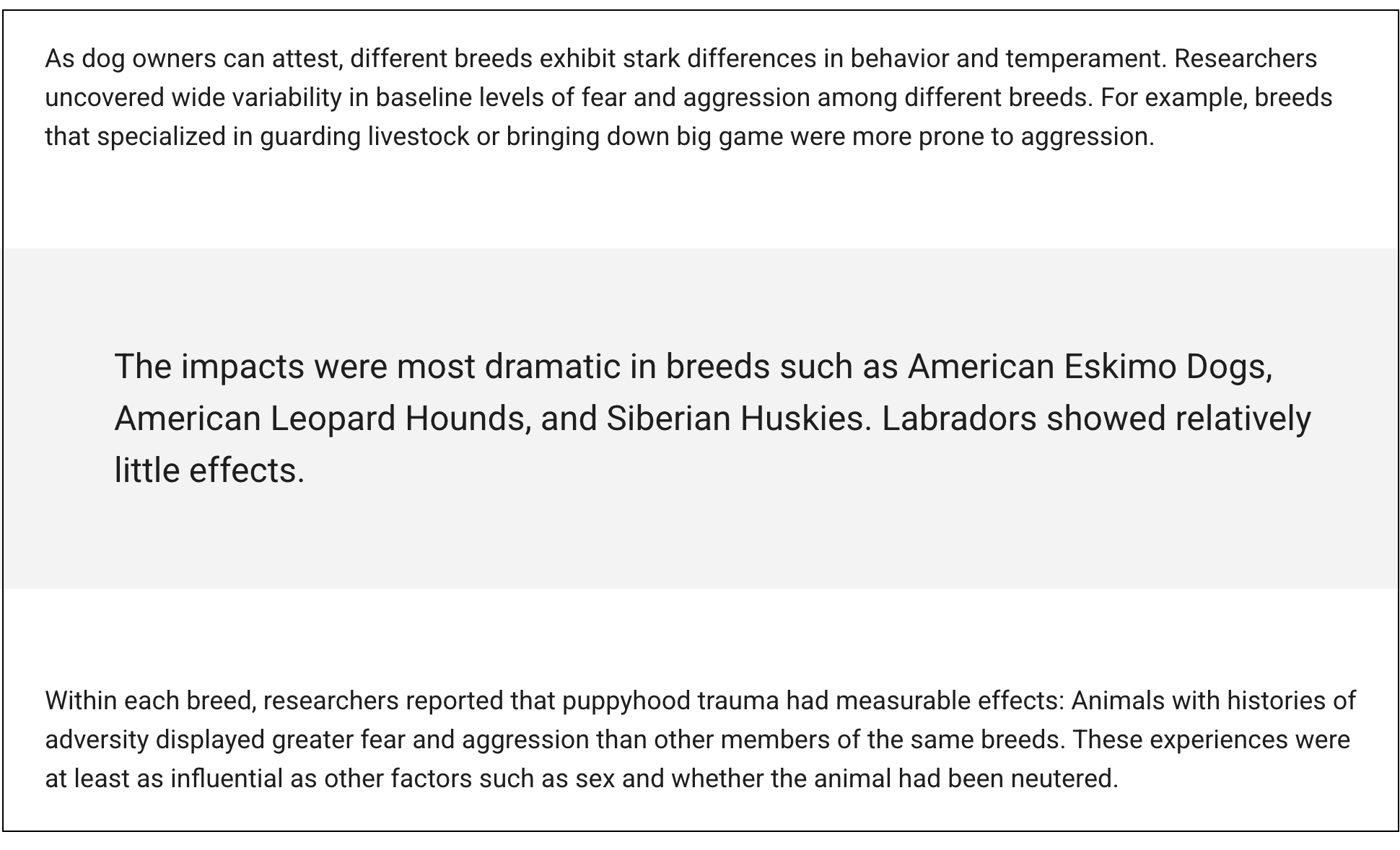
And here is another way of implementing Callout Text, using 3 separate text components. The middle component also has a different color background:
Best practices for callout text
- Use enlarged text sparingly. It works best for one short sentence or paragraph.
- Use headings (and not callout text) for page structure. Headings and subheadings support readability and accessibility.
- Keep the wording concise so the emphasis feels intentional.
- Preview the page after saving to check spacing, line breaks, and overall balance.